Crea currículums profesionales en minutos
Crea currículums optimizados para ATS con nuestro intuitivo editor de arrastrar y soltar. Elige entre plantillas profesionales y crea documentos pulidos diseñados para impulsar tus candidaturas.
Todo lo que necesitas para triunfar
Funciones potentes diseñadas para ayudarte a crear el currículum perfecto
Rapidísimo
Crea currículums profesionales en menos de 10 minutos con nuestro editor optimizado
Optimizado para ATS
Diseñado para ser compatible con los sistemas de seguimiento de candidatos más habituales
Totalmente personalizable
Arrastra, suelta y aplica estilo a cada elemento para reflejar tu marca personal
Sincronización en la nube
Accede a tus currículums en cualquier lugar y momento, desde cualquier dispositivo, con guardado automático
Exportación a PDF
Descarga PDF de alta calidad listos para tus candidaturas
Varios currículums
Crea y gestiona un número ilimitado de diseños de currículum para distintas oportunidades
Guardado automático
No pierdas nunca tu trabajo gracias al guardado automático mientras escribes
Plantillas profesionales
Elige entre decenas de plantillas modernas y aprobadas por reclutadores
Lo último de nuestro blog
Consejos de expertos sobre redacción de currículums, estrategia profesional y cómo destacar en un mercado laboral competitivo.
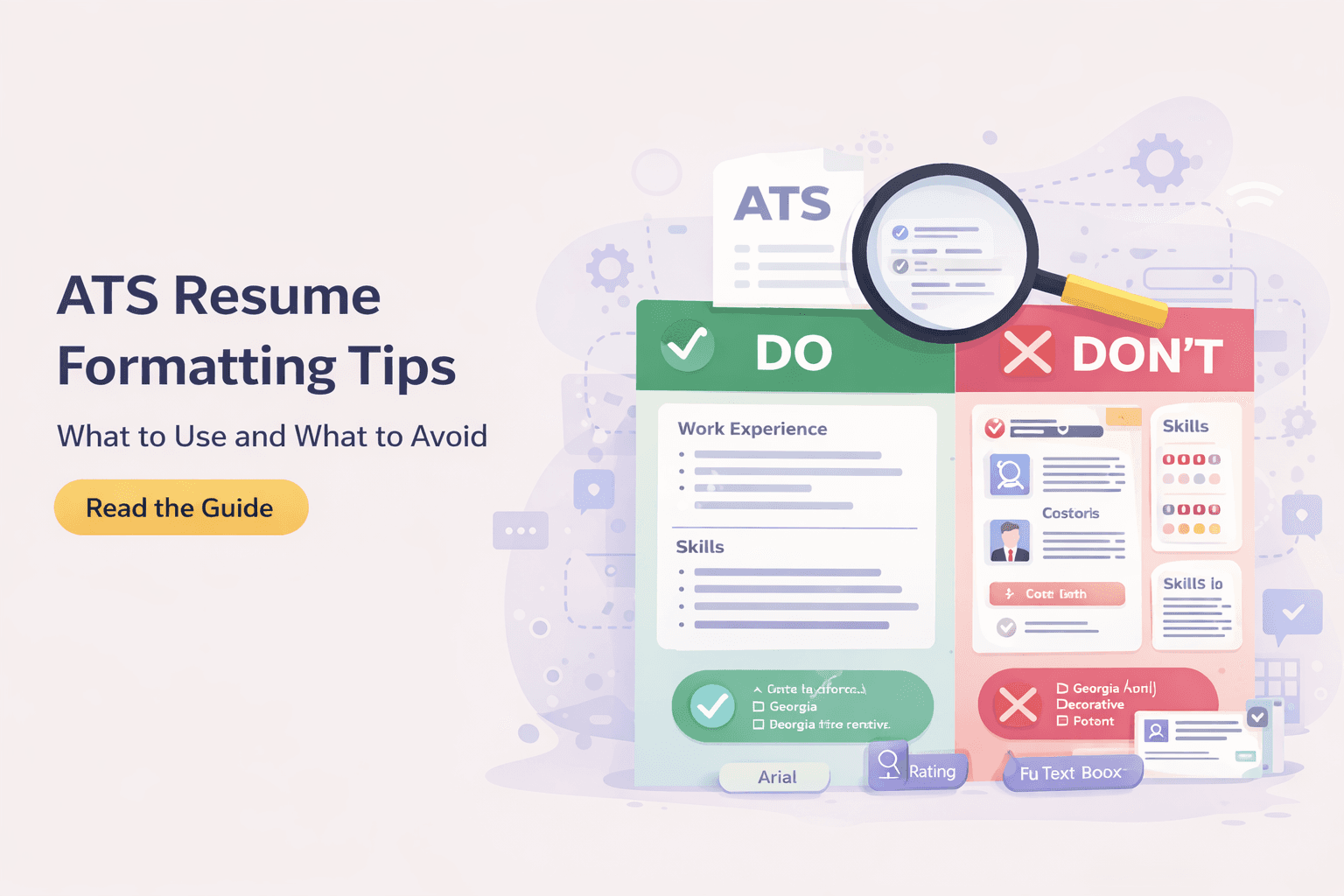
Formatos de currículum explicados: cronológico vs. funcional vs. combinado
Un análisis práctico de los tres formatos principales de currículum, a quién conviene cada uno y cómo elegir el diseño que supera el filtro de los ATS y consigue entrevistas.

Cómo hacer un currículum sin experiencia: guía completa
Una guía paso a paso para redactar un primer currículum sólido sin experiencia laboral, usando proyectos, estudios y voluntariado para demostrar que puedes hacer el trabajo.

Cómo cuantificar los logros de tu currículum (con ejemplos reales)
Una guía práctica para cuantificar los logros del currículum con reescrituras reales de viñetas de antes y después, fórmulas de métricas y formas de encontrar cifras incluso cuando nunca las registraste.
Preguntas frecuentes
Todo lo que necesitas saber sobre ResumeCraftor
Creating a resume on ResumeCraftor is simple: 1) Choose from our professional templates, 2) Use the drag-and-drop editor to add your experience, skills, and education, 3) Customize the design and layout to match your style, 4) Download your resume as a PDF. The entire process takes less than 10 minutes.
Yes, ResumeCraftor offers a free plan that allows you to create professional resumes, save designs, and download PDFs. You get access to all core features including the drag-and-drop editor, professional templates, and ATS-optimized formatting.
Yes. ResumeCraftor templates are designed with ATS compatibility in mind. We use clean formatting, standard fonts, and structured layouts that align with commonly used applicant tracking systems. However, ATS behavior may vary by employer, and compatibility cannot be guaranteed in all cases.
Absolutely! All your resumes are automatically saved to your account. You can return to ResumeCraftor anytime, open your saved resume, make edits, and download an updated PDF. Your designs are stored securely in the cloud.
ResumeCraftor allows you to export and download your resume as a high-quality PDF file. PDF is the industry-standard format for job applications and ensures your formatting stays perfect across all devices and platforms.
No design skills are required! ResumeCraftor's intuitive drag-and-drop editor makes it easy for anyone to create professional-looking resumes. Simply choose a template, fill in your information, and our smart editor handles the formatting and design for you.
Yes, you can create and save multiple resumes in your ResumeCraftor account. This is perfect for tailoring different resumes for different job applications or industries. All your designs are saved and accessible from your dashboard.
With ResumeCraftor's streamlined editor and professional templates, you can create a complete, polished resume in under 10 minutes. The intuitive interface and smart suggestions help you build quickly without sacrificing quality.