Skapa professionella CV:n på minuter
Bygg ATS-optimerade CV:n med vår intuitiva dra-och-släpp-redigerare. Välj bland professionella mallar och skapa polerade dokument utformade för att stödja dina jobbansökningar.
Allt du behöver för att lyckas
Kraftfulla funktioner utformade för att hjälpa dig skapa det perfekta CV:t
Blixtsnabbt
Skapa professionella CV:n på under 10 minuter med vår strömlinjeformade redigerare
ATS-optimerat
Utformat för kompatibilitet med vanliga system för kandidatspårning
Helt anpassningsbart
Dra, släpp och stila varje element för att matcha ditt personliga varumärke
Molnsynkronisering
Kom åt dina CV:n var som helst, när som helst, på vilken enhet som helst med automatisk sparning
PDF-export
Ladda ner PDF:er i hög kvalitet redo för jobbansökningar
Flera CV:n
Skapa och hantera obegränsat antal CV-designer för olika tillfällen
Automatisk sparning
Förlora aldrig ditt arbete med automatisk sparning medan du skriver
Professionella mallar
Välj bland dussintals moderna, rekryterargodkända mallar
Senaste från vår blogg
Expertråd om CV-skrivande, karriärstrategi och hur du sticker ut på en konkurrensutsatt arbetsmarknad.
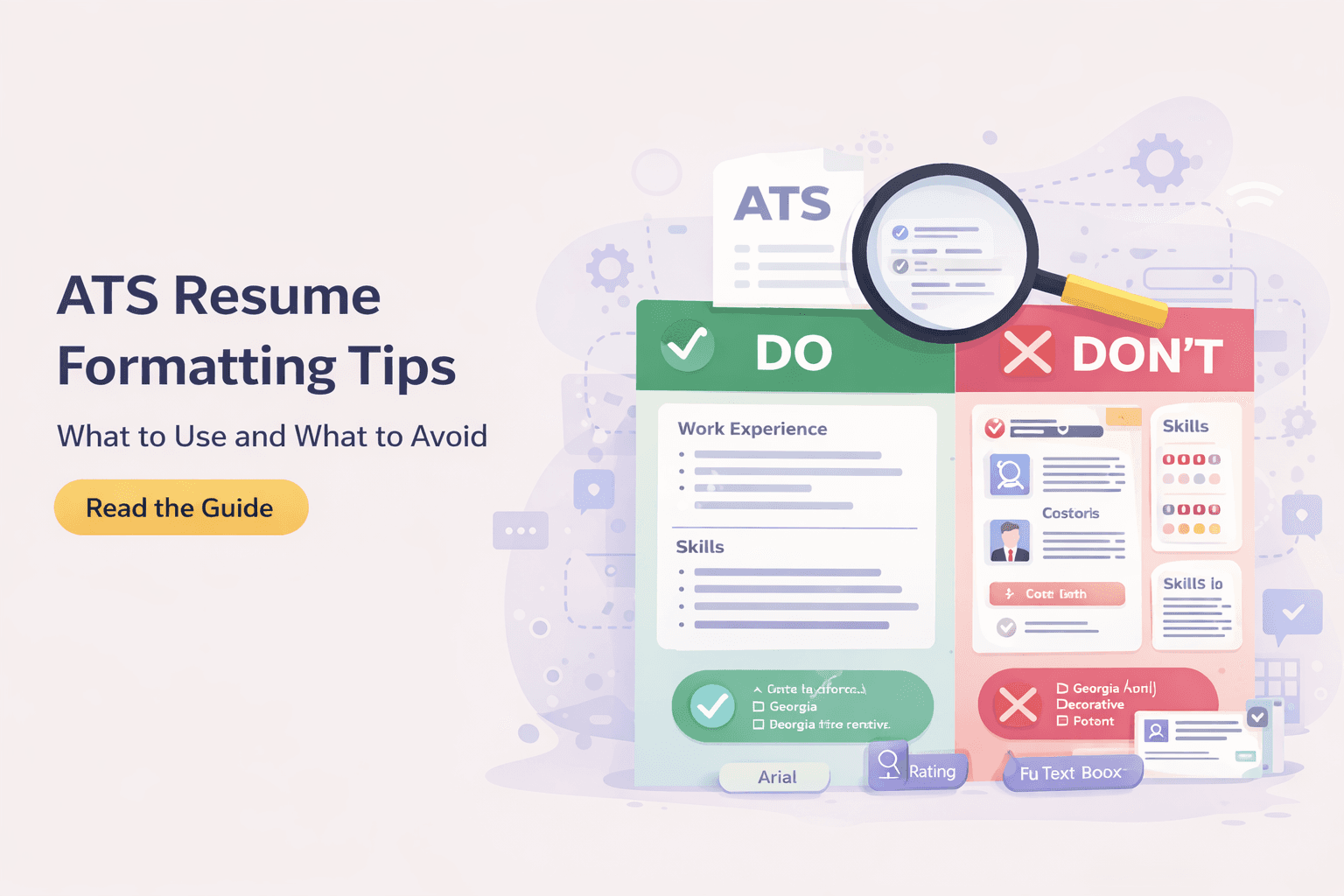
CV-format förklarade: kronologiskt vs. funktionellt vs. kombinerat
En praktisk genomgång av de tre huvudsakliga CV-formaten, vem var och ett passar och hur du väljer den layout som tar sig förbi ATS-gallringen och vinner intervjuer.

Så Skriver du ett CV Utan Erfarenhet: En Komplett Guide
En steg-för-steg-guide till att skriva ett starkt första CV utan arbetslivserfarenhet, där du använder projekt, studier och volontärarbete för att bevisa att du klarar jobbet.

Så kvantifierar du dina prestationer i CV:t (med konkreta exempel)
En praktisk guide för att kvantifiera dina CV-prestationer med konkreta före-och-efter-omskrivningar av punkter, formler för nyckeltal och sätt att hitta siffror även när du aldrig mätt dem.
Vanliga frågor
Allt du behöver veta om ResumeCraftor
Creating a resume on ResumeCraftor is simple: 1) Choose from our professional templates, 2) Use the drag-and-drop editor to add your experience, skills, and education, 3) Customize the design and layout to match your style, 4) Download your resume as a PDF. The entire process takes less than 10 minutes.
Yes, ResumeCraftor offers a free plan that allows you to create professional resumes, save designs, and download PDFs. You get access to all core features including the drag-and-drop editor, professional templates, and ATS-optimized formatting.
Yes. ResumeCraftor templates are designed with ATS compatibility in mind. We use clean formatting, standard fonts, and structured layouts that align with commonly used applicant tracking systems. However, ATS behavior may vary by employer, and compatibility cannot be guaranteed in all cases.
Absolutely! All your resumes are automatically saved to your account. You can return to ResumeCraftor anytime, open your saved resume, make edits, and download an updated PDF. Your designs are stored securely in the cloud.
ResumeCraftor allows you to export and download your resume as a high-quality PDF file. PDF is the industry-standard format for job applications and ensures your formatting stays perfect across all devices and platforms.
No design skills are required! ResumeCraftor's intuitive drag-and-drop editor makes it easy for anyone to create professional-looking resumes. Simply choose a template, fill in your information, and our smart editor handles the formatting and design for you.
Yes, you can create and save multiple resumes in your ResumeCraftor account. This is perfect for tailoring different resumes for different job applications or industries. All your designs are saved and accessible from your dashboard.
With ResumeCraftor's streamlined editor and professional templates, you can create a complete, polished resume in under 10 minutes. The intuitive interface and smart suggestions help you build quickly without sacrificing quality.