Erstellen Sie professionelle Lebensläufe in Minuten
Erstellen Sie ATS-optimierte Lebensläufe mit unserem intuitiven Drag-and-drop-Editor. Wählen Sie aus professionellen Vorlagen und gestalten Sie gepflegte Dokumente, die Ihre Bewerbungen unterstützen.
Alles, was Sie für Ihren Erfolg brauchen
Leistungsstarke Funktionen, die Ihnen helfen, den perfekten Lebenslauf zu erstellen
Blitzschnell
Erstellen Sie professionelle Lebensläufe in weniger als 10 Minuten mit unserem optimierten Editor
ATS-optimiert
Konzipiert für die Kompatibilität mit gängigen Bewerbermanagementsystemen
Vollständig anpassbar
Ziehen, ablegen und gestalten Sie jedes Element passend zu Ihrer persönlichen Marke
Cloud-Synchronisierung
Greifen Sie überall, jederzeit und auf jedem Gerät auf Ihre Lebensläufe zu – mit automatischer Speicherung
PDF-Export
Laden Sie hochwertige PDFs herunter, die bereit für Bewerbungen sind
Mehrere Lebensläufe
Erstellen und verwalten Sie unbegrenzt viele Lebenslauf-Designs für unterschiedliche Gelegenheiten
Automatisches Speichern
Verlieren Sie nie Ihre Arbeit – mit automatischer Speicherung während des Tippens
Professionelle Vorlagen
Wählen Sie aus Dutzenden moderner, von Recruitern empfohlener Vorlagen
Neuestes aus unserem Blog
Expertentipps zum Verfassen von Lebensläufen, zur Karrierestrategie und dazu, wie Sie sich in einem umkämpften Arbeitsmarkt abheben.
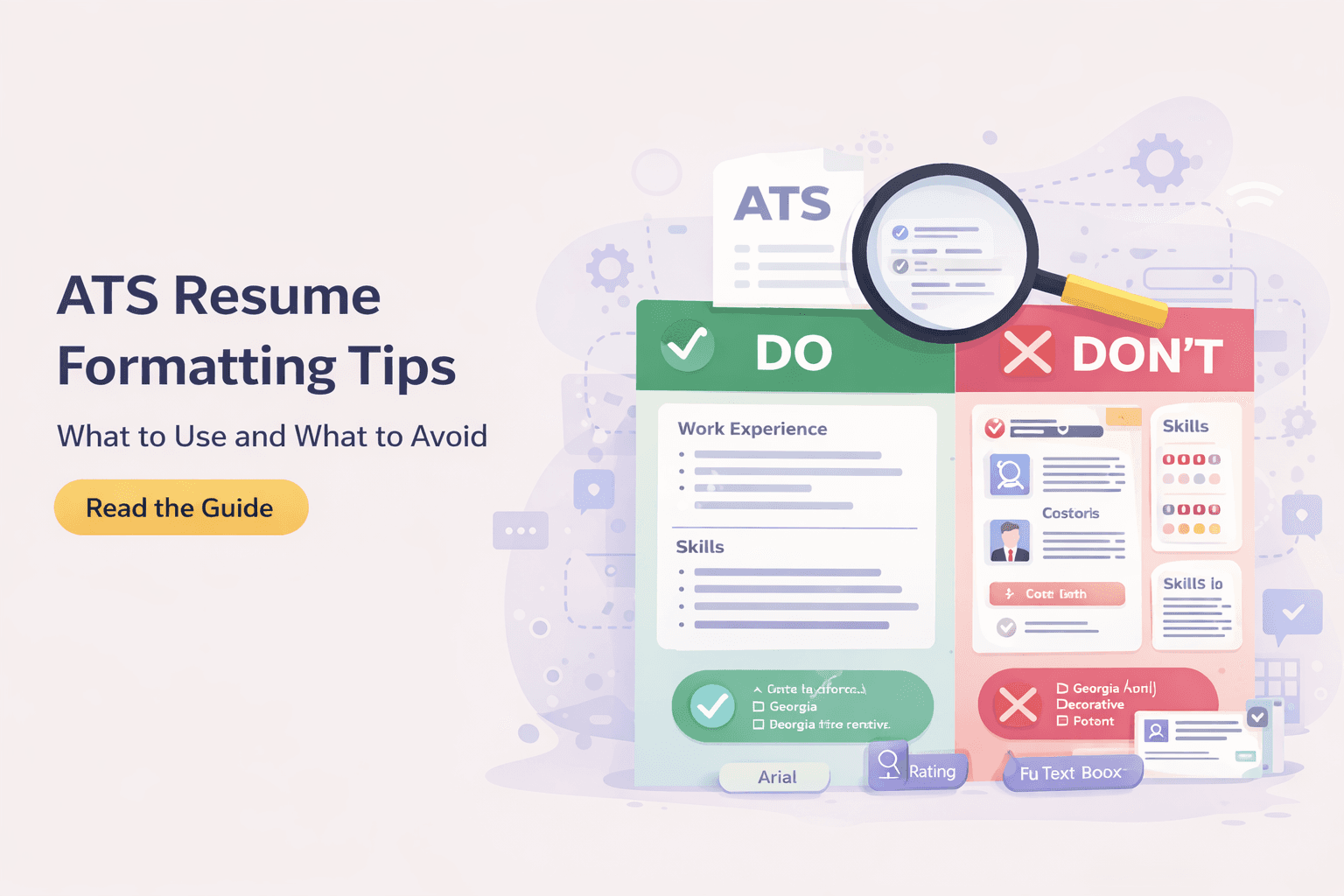
Lebenslauf-Formate erklärt: chronologisch vs. funktional vs. kombiniert
Eine praxisnahe Aufschlüsselung der drei wichtigsten Lebenslauf-Formate, für wen sich jedes eignet und wie Sie das Layout wählen, das die ATS-Prüfung übersteht und zu Vorstellungsgesprächen führt.

Lebenslauf ohne Berufserfahrung schreiben: Der komplette Leitfaden
Eine Schritt-für-Schritt-Anleitung, wie Sie ohne Berufserfahrung einen überzeugenden ersten Lebenslauf schreiben und mit Projekten, Schule und Ehrenamt belegen, dass Sie die Aufgabe meistern.

Erfolge im Lebenslauf quantifizieren – so geht's (mit echten Beispielen)
Ein praxisnaher Leitfaden zum Quantifizieren von Erfolgen im Lebenslauf – mit echten Vorher-Nachher-Umformulierungen von Stichpunkten, Formeln für Kennzahlen und Wegen, Zahlen zu finden, selbst wenn Sie sie nie erfasst haben.
Häufig gestellte Fragen
Alles, was Sie über ResumeCraftor wissen müssen
Creating a resume on ResumeCraftor is simple: 1) Choose from our professional templates, 2) Use the drag-and-drop editor to add your experience, skills, and education, 3) Customize the design and layout to match your style, 4) Download your resume as a PDF. The entire process takes less than 10 minutes.
Yes, ResumeCraftor offers a free plan that allows you to create professional resumes, save designs, and download PDFs. You get access to all core features including the drag-and-drop editor, professional templates, and ATS-optimized formatting.
Yes. ResumeCraftor templates are designed with ATS compatibility in mind. We use clean formatting, standard fonts, and structured layouts that align with commonly used applicant tracking systems. However, ATS behavior may vary by employer, and compatibility cannot be guaranteed in all cases.
Absolutely! All your resumes are automatically saved to your account. You can return to ResumeCraftor anytime, open your saved resume, make edits, and download an updated PDF. Your designs are stored securely in the cloud.
ResumeCraftor allows you to export and download your resume as a high-quality PDF file. PDF is the industry-standard format for job applications and ensures your formatting stays perfect across all devices and platforms.
No design skills are required! ResumeCraftor's intuitive drag-and-drop editor makes it easy for anyone to create professional-looking resumes. Simply choose a template, fill in your information, and our smart editor handles the formatting and design for you.
Yes, you can create and save multiple resumes in your ResumeCraftor account. This is perfect for tailoring different resumes for different job applications or industries. All your designs are saved and accessible from your dashboard.
With ResumeCraftor's streamlined editor and professional templates, you can create a complete, polished resume in under 10 minutes. The intuitive interface and smart suggestions help you build quickly without sacrificing quality.